


Site Studio
Builds your site from a description.


Theme
Site Studio builds your site. Page Scan ranks the fixes and drafts the rewrite.
The best AI design, image and video models in one creative workspace.
Supported models include ChatGPT, Claude, Google, Kling, Kimi and Grok.Builds your site from a description.
Reads your page and ranks what to fix.
Holds your brand so every page matches.
Type what you want and drop in your images. One or two sentences is enough.
Sections, copy and imagery assemble live, on brand from the first draft.
Rewrite a line, swap an image, restyle the page or move a section. Your brand applies to every edit.
Publish to Arclen hosting on a subdomain, or export the complete site and host it anywhere.
Site Studio asks what you're building, how it should look and how it should read. Nothing builds until you say so.
Step 5 of 5
Templates are finished sites. Click anything and say the change.
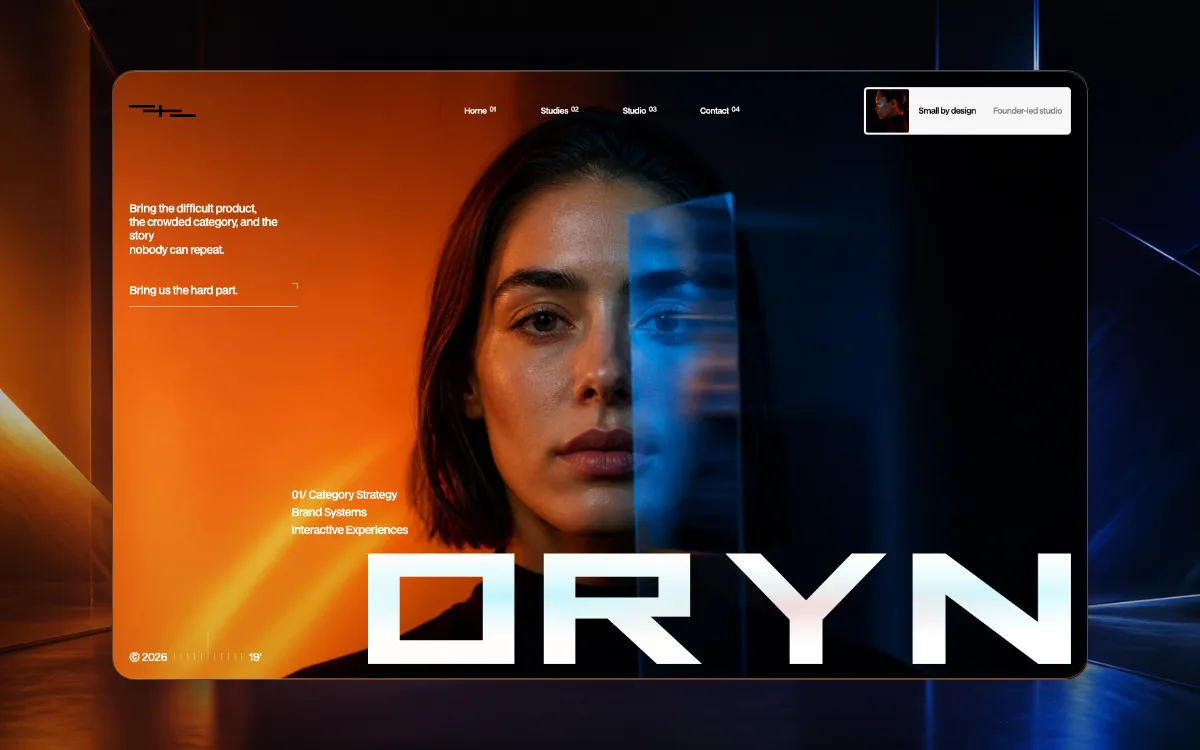
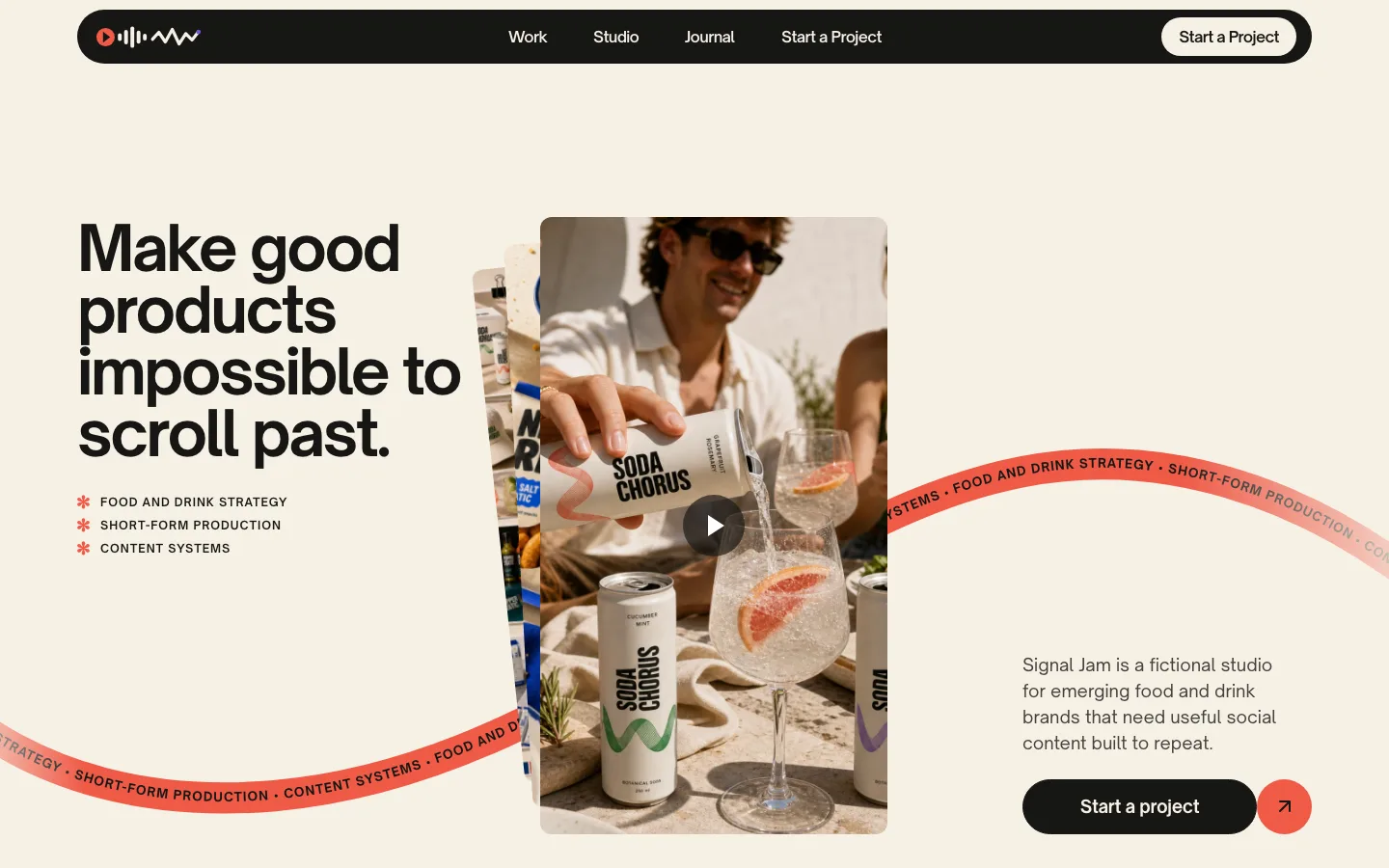
Signal Jam and Caldrin, coming soon
Every Scan returns ranked findings with the fixes drafted. It checks copy, layout, phone speed and, with Brand Hub, your voice and claims.
Comes with Site Studio on every paid plan. A Scan uses 40 credits.
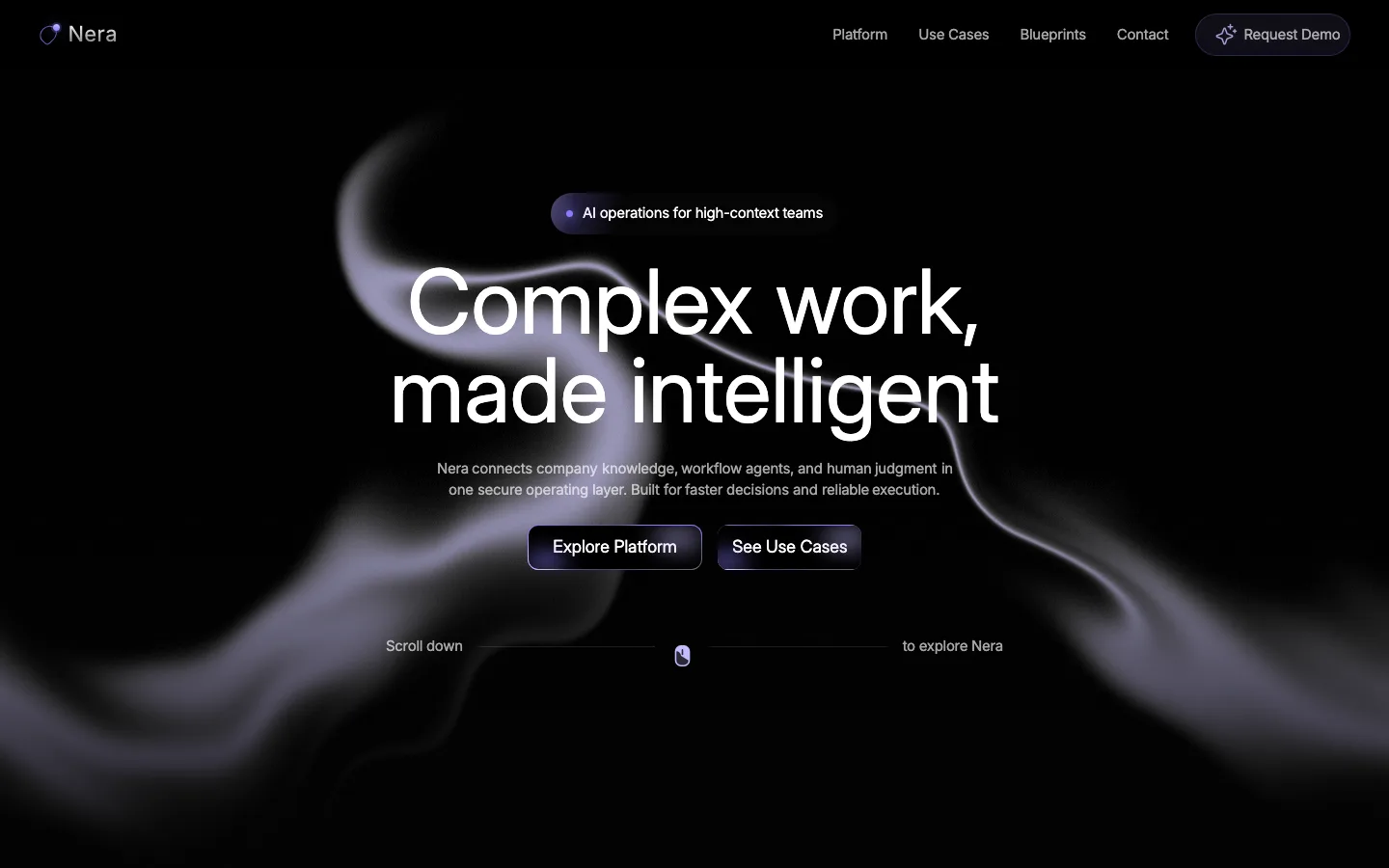
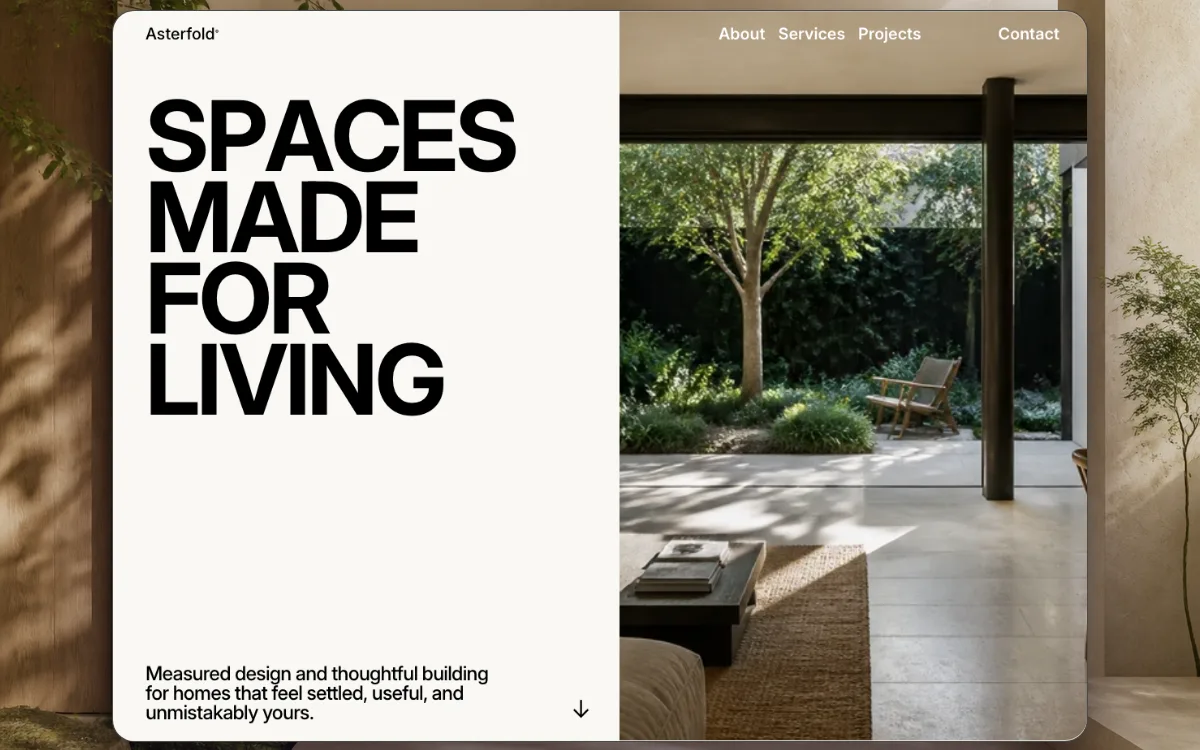
Illustrative example
Your brand's context stays attached across every step.
Brand Hub →Site Studio, Ad Studio and every Scan read from the same hub.
Generation only uses what you've approved. The Scans flag anything that isn't.
Palette, type and treatment. Every page and ad obeys them.
Who the work speaks to, and how it sounds when it does.

Yes. Site Studio is Arclen's website and landing-page builder. The “studio” name covers the rest of the job. Structure, copy, design and iteration happen in one place.
No. Start from a brief, a template, a Page Scan of an existing page, or a blank prompt, whichever matches how clear the direction already is.
Yes. The complete result is editable. Edit copy inline, restructure or delete sections, swap assets, adjust the visual system, or direct changes in plain language. Generation is a starting point, not a locked result.
Publish to Arclen hosting on a subdomain, or export the complete site: clean HTML, assets and styles, and host it anywhere. Pro and up can publish on a custom domain.
Every page ships responsive by default, with semantic markup, per-page metadata and fast static delivery. Those are the fundamentals search engines expect.


